Free for macOS
Your keyboard still types. It just sounds different now.
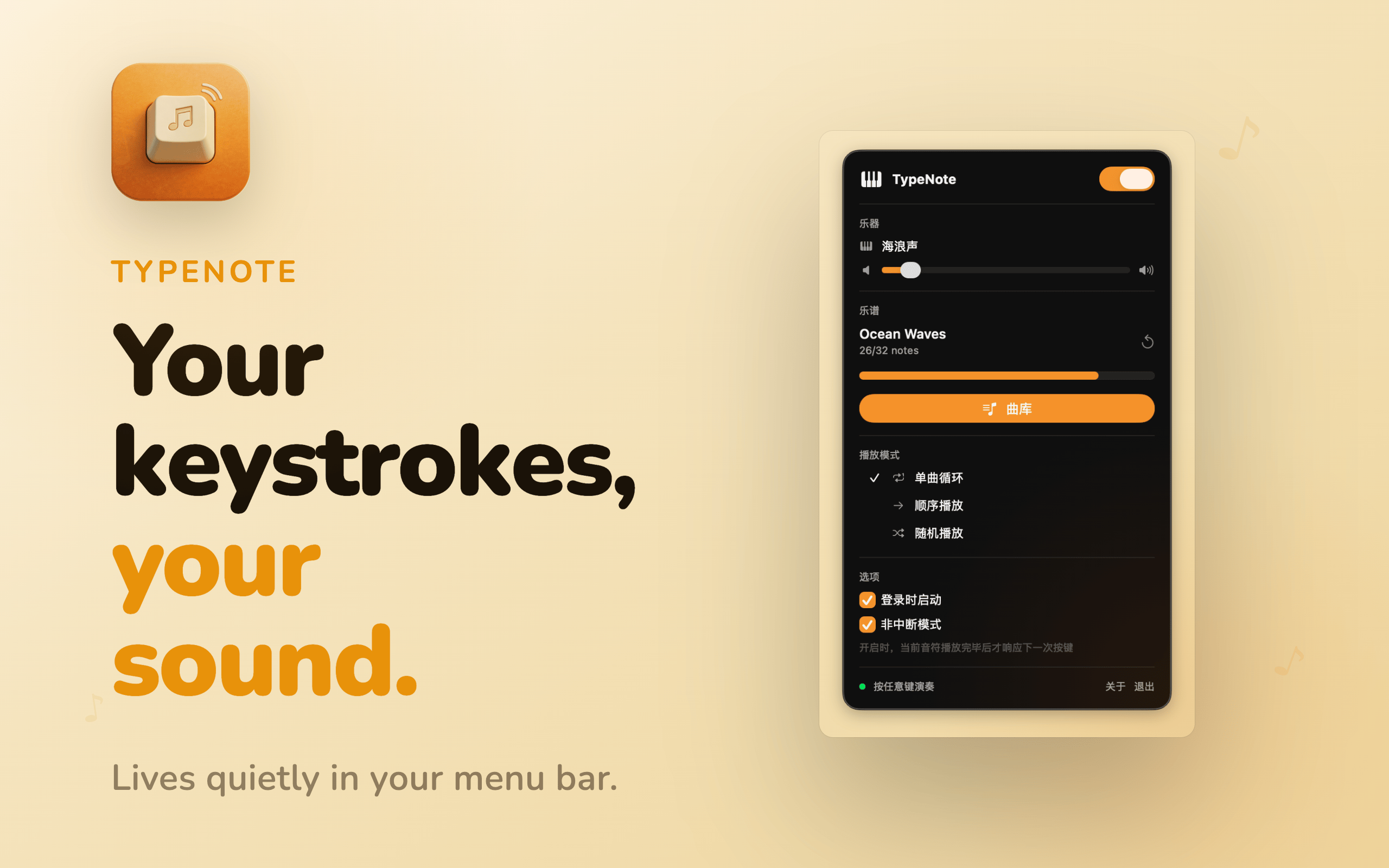
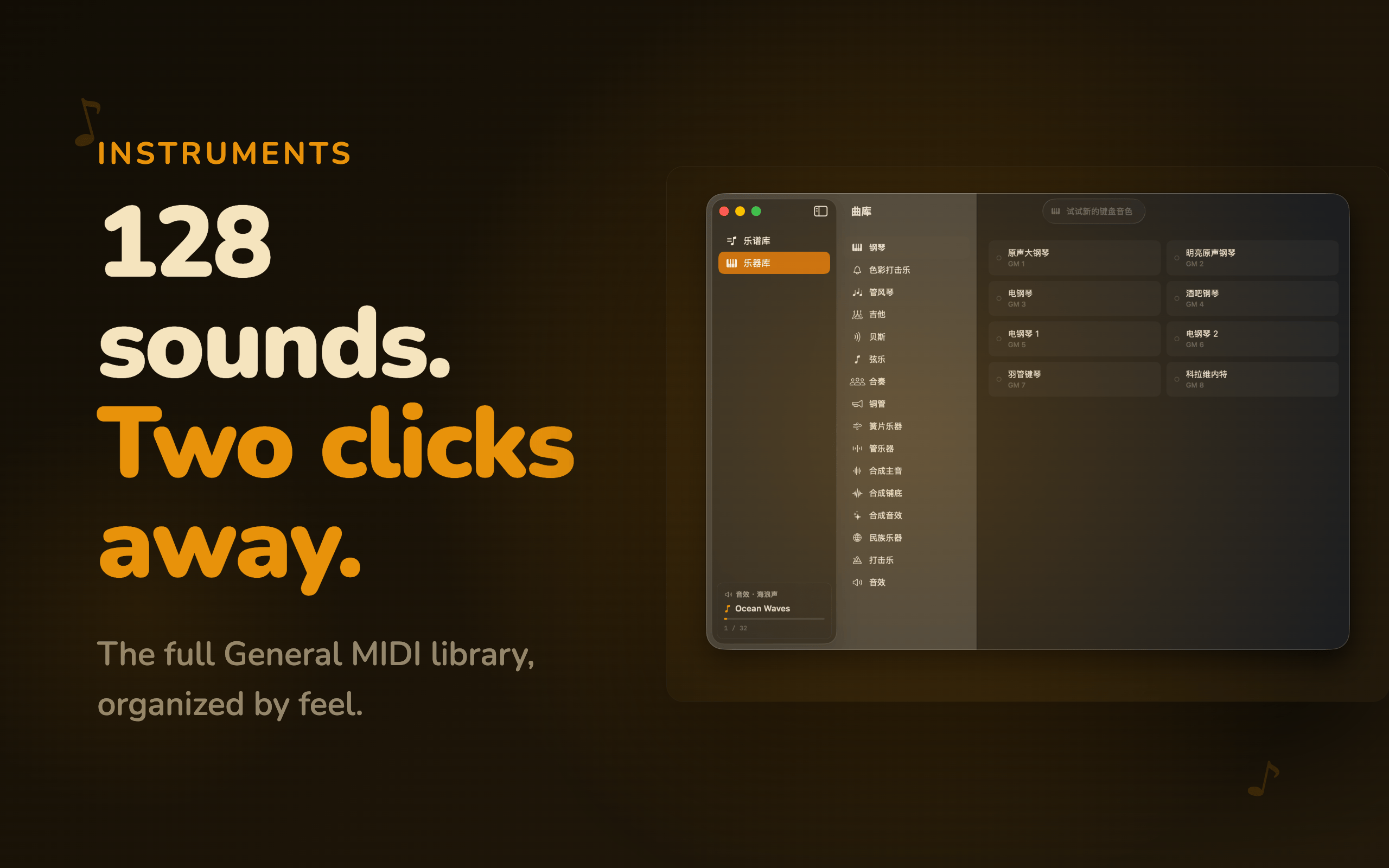
TypeNote lives in your menu bar and changes what your keyboard sounds like. Piano, ocean waves, or something you've never tried — 128 sounds, one for every mood.
TypeNote lives in your menu bar and changes what your keyboard sounds like. Piano, ocean waves, or something you've never tried — 128 sounds, one for every mood.
Paste in a numbered melody, import a MusicXML file, or drop in a MIDI — and your keystrokes follow the notes in sequence. A quiet way to hear a song you've been thinking about.
Jianpu numbered notation, MusicXML from MuseScore or Sibelius, and standard MIDI files. Or type notation directly in the built-in editor — no import needed.
256-frame buffer. Key to sound in under 8 milliseconds.
Full General MIDI — piano, strings, brass, woodwind, synth. Import SoundFont (.sf2) files to add more.
No windows, no modes to enter or exit. Open it to change the sound, close it, keep working.
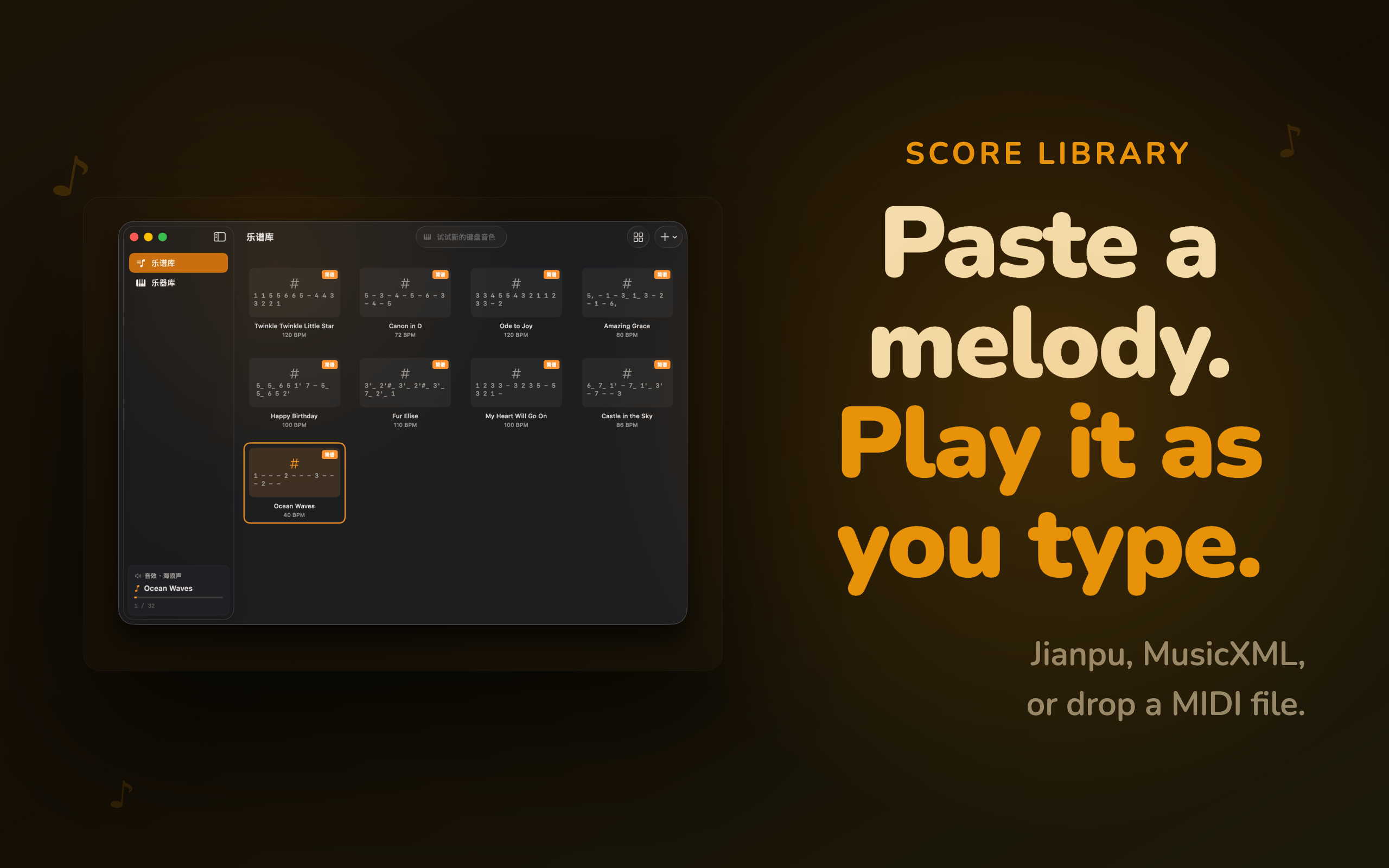
The built-in editor uses Jianpu — a numbered system where 1–7 map to Do through Si. No staff lines. No music theory required.
1–7
Scale degrees Do Re Mi Fa Sol La Si
0
Rest — silence for one beat
1'
Apostrophe = up one octave
1,
Comma = down one octave
1-
Dash = extend note by one beat
1_
Underscore = half the duration
#1 / b1
Sharp or flat
1 1 5 5 6 6 5 - 4 4 3 3 2 2 1 -
TypeNote never collects your data. Everything stays on your Mac.
TypeNote captures no personal data, telemetry, or usage statistics. Not now, not ever.
TypeNote collects no analytics, telemetry, or personal data. The only outbound request is a periodic update check via Sparkle — no account, no tracking.
Audio synthesis, score parsing, and key detection all happen entirely on your device using native macOS APIs.
Input Monitoring is required so TypeNote can hear keystrokes in other apps. Accessibility permission is optional — enable it only if you want Smart Mute, which silences TypeNote when a text field is active. Both can be granted from System Settings without reinstalling.
Jianpu (.txt) for numbered notation, MusicXML (.xml, .musicxml) exported from MuseScore, Sibelius, or Finale, and MIDI (.mid, .midi) files. You can also write Jianpu notation directly in the built-in score editor — no file needed.
Enable Smart Mute and TypeNote goes completely silent whenever a text field has focus — code editor, browser, documents, chat. It only plays when nothing is waiting for your keystrokes. Use the menu bar toggle to pause instantly.
Click the TypeNote icon in your menu bar, select a score from the library, and grant Input Monitoring permission. Then press any key — each keystroke plays the next note in sequence. Eight demo scores are included.
Free for macOS 14 Sonoma and later. No account. No subscription. Just a different sound.
Requires macOS 14 Sonoma or later · Zero third-party dependencies